


Not long ago, landing in a country where you did not speak the language meant a mix of guesswork, awkward gestures, and hoping Google Maps would save you. In 2026, that anxiety is largely gone because translation tech has become genuinely travel ready.
That said, here is my honest take from the road. I do not always install five different translation apps anymore.
More often than not, I simply use ChatGPT when travelling. If I see a confusing sign in Thai, a menu in Japan, or something obscure in Uzbek, I just snap a photo and upload it. What I like is that it does not just translate word by word. It explains context, tone, and what the text actually means in real life. For street notices, local warnings, or culturally specific phrases, that nuance is incredibly useful.
Phones themselves are also catching up. On newer Samsung Galaxy devices, you can now highlight text in a browser and tap translate. For quickly reading local news sites or restaurant pages on your phone, it works surprisingly smoothly and saves time.
And then there is what is coming next. Wearables are quietly entering the translation space too. Devices like the Ray-Ban Meta smart glasses and XREAL Air 2 are already demonstrating real-time visual translation, and Samsung is widely expected to push further into this category. The idea is simple. Look at foreign text and see it translated in your field of view. The only downside for now is that you actually have to wear the glasses all day.
Still, classic translation apps absolutely remain useful, especially for offline phrases, live conversations, and structured language support when you are moving between countries.
So for those who prefer the tried and tested route, below is our LocalsInsider shortlist of the top-rated translation apps for smartphones in 2026, based on real travel usability, accuracy, and user feedback
Popular Language Translation Apps & Best-Rated AI Tools 2026
No more struggling to read a foreign language menu, failing to haggle for your taxi fare, or getting confused trying to follow directions. I outline our top translation apps from the most popular tools for accurate translations, a broad range of languages, offline camera scans, voice chats, and more.
Google Online Translate
- Price: Free
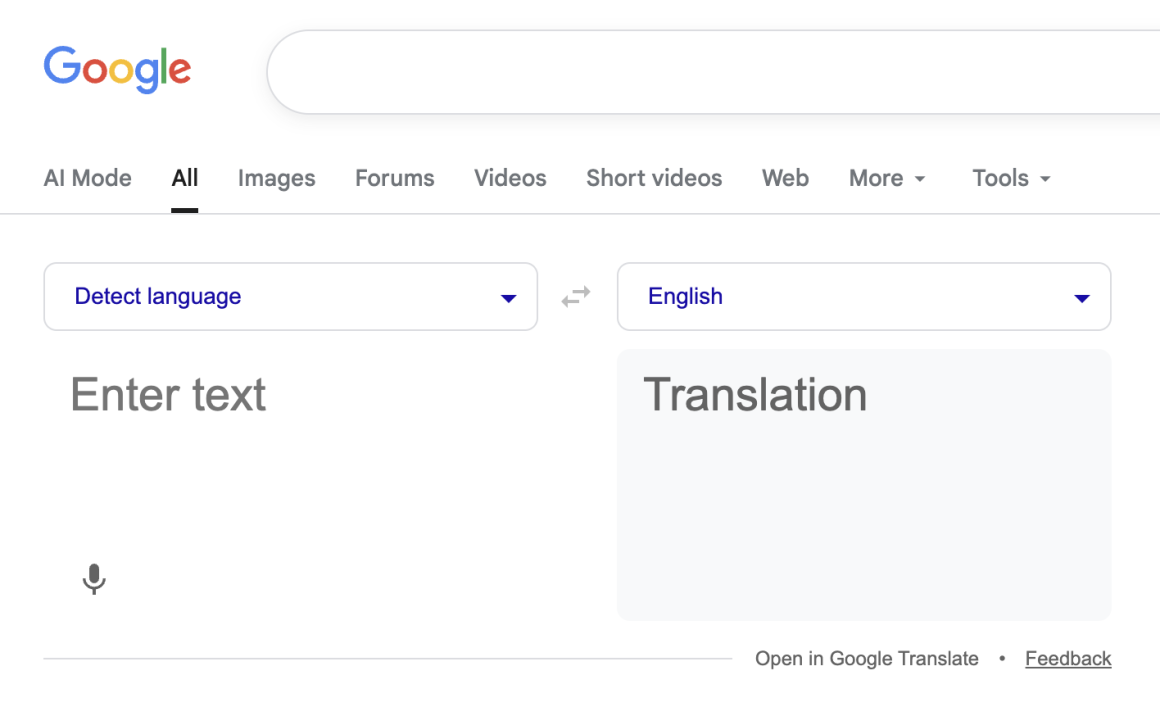
Google Translate is probably the most well-known translation app. A versatile, free translation app for US travelers that supports 250 languages with text, voice, camera, and real-time conversation modes.
It features robust offline packs for downloaded languages for when you’re out of signal range, instant camera translation for signs and menus, Pixel hardware integration, and broad accessibility for budget-conscious adventurers.
It shines brightest for its comprehensive language coverage, offline download support, and device integration, which help you effortlessly explore diverse destinations.
On the other hand, accuracy has been known to falter with slang, accents, or complex sentences, and voice data processing can raise privacy concerns as data may be shared with Google servers.
| ⭐️Google Play Rating | 4.3/5.0 (9.06M ratings) |
| ⭐️App Store Rating | 4.3/5.0 (82,015 ratings) |
“The best version ever. I have been using Google Translate for a long time. The latest versions are even better, because in previous versions there was no option to switch languages when using a microphone.” Zoka1983 – App Store
Translate Now App
- Price: $9.90/month for Premium
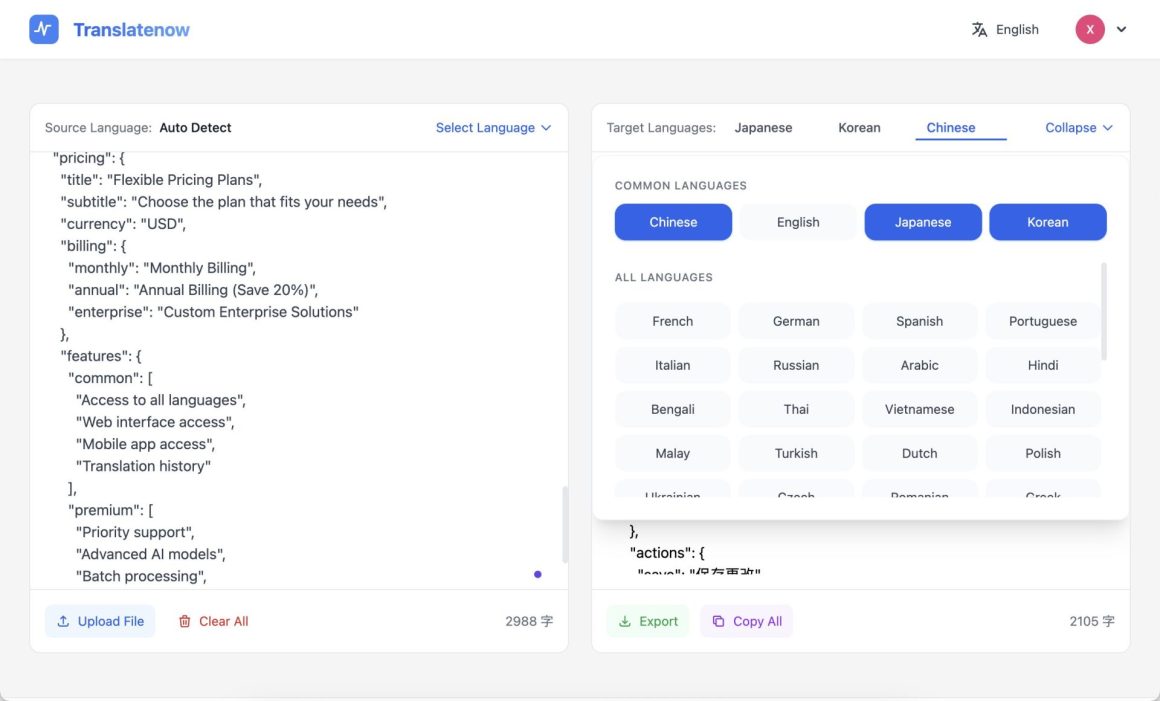
Translate Now offers AI-powered instant translations for travel, supporting quick text, voice, and batch modes with advanced models for up to five languages in paid tiers.
Unique features include flexible plans for pros, priority support, and unlimited usage post-trial, making it a good fit for frequent globetrotters seeking reliable daily tools. It stands out for batch translation in annual plans and basic free access with 30 trials, blending affordability with pro features for on-the-go use.
Problems are rare, but the free tier is capped at two languages and 30 trials, which can frustrate heavy users if you don’t want to upgrade to the paid version.
| ⭐️Google Play Rating | 3.9/5.0 (94.4K ratings) |
| ⭐️App Store Rating | 4.7/5.0 (336K ratings) |
“Just very convenient!!! I find I refer to this app a lot. I was raised bilingual in Welsh, but have lost the ability to use it over the years. I live in a place where the chances of meeting up with another Welsh speaker are very remote. However, that has happened, and I use this app to reacquaint myself with the words that I had forgotten, to be able to communicate with him.” Awyrenir – App Store
Microsoft Translator
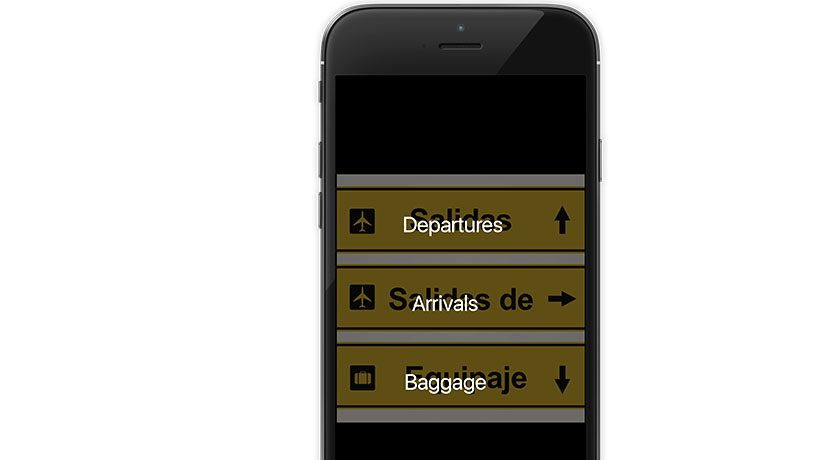
- Price: Free
Microsoft Translator excels for group travel with its multi-device conversation mode, which allows up to 100 people to have real-time chats across languages. The perfect tool for your next tour group or family vacation abroad.
Unique features include offline phrasebooks for travel essentials like directions and dining, continuous language detection, and integration with other MS tools for business travelers. It offers broad language support, strong offline capabilities, and enterprise-grade options, which far outperform rivals in collaborative scenarios.
Issues include fewer consumer hardware ties than Google’s and potential privacy concerns for sensitive conversations. The app is entirely free, with no mandatory paid upgrades for personal or heavy use.
| ⭐️Google Play Rating | 4.3/5.0 (792K ratings) |
| ⭐️App Store Rating | 4,8/5.0 (158K ratings) |
“App translates to the printed word and the spoken word as spoken, for example, by a Spanish-speaking person right away. And with no ads. It does English to Spanish or Spanish to English. So, two foreigners can quickly have a dialogue with each other. Just select the “to” and “from” languages and press the microphone button, and it instantly translates. Then press the reverse button for the other person to speak back to you in their native language. And it does at least 48 languages.”
DeepL Translate
- Price: $8.74+/month for Pro subscription.
DeepL Translator leads the way in natural, accurate translations of European languages, powered by advanced neural networks, ideal for US travelers headed to Europe who require fluent text and document handling.
Its selling points are superior nuance compared to competitors like Google, glossary tools for consistency, and API access, making it great for deeper conversations and reading abroad. The best features include high fluency in 37+ languages, editable document uploads, and a clean interface, with human-like results.
The main drawback is the limited support for non-European languages. Plus, some inconsistencies with PDF formatting have been reported. It’s also worth noting that key features like unlimited offline/docs are locked behind the subscription paywall.
| ⭐️Google Play Rating | 4.6/5.0 (396K ratings) |
| ⭐️App Store Rating | 4.8/5.0 (13K ratings) |
“Easily the best Japanese translator I’ve ever found or used. It’s hard to imagine there are better ones out there, especially for free. Even outside of Japanese, DeepL is a pretty reliable translator. One thing that seems unique to them is the provision of alternative translations. I think it’s really useful and helpful. The app is easy to use. The only thing missing would be a dictionary or even a history, but still, hands down, one of the best translators out there.” Other Guy – Google Play
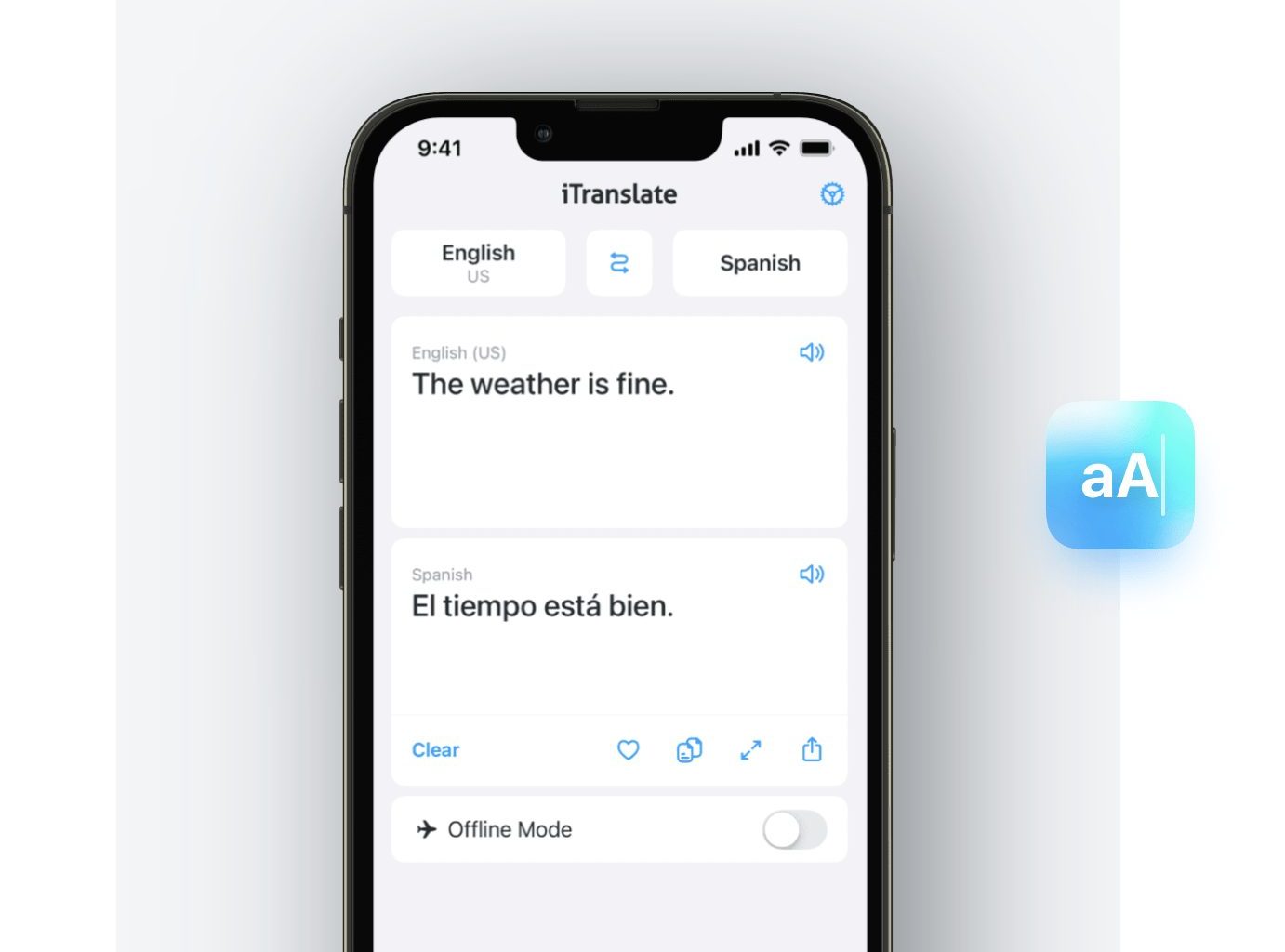
iTranslate
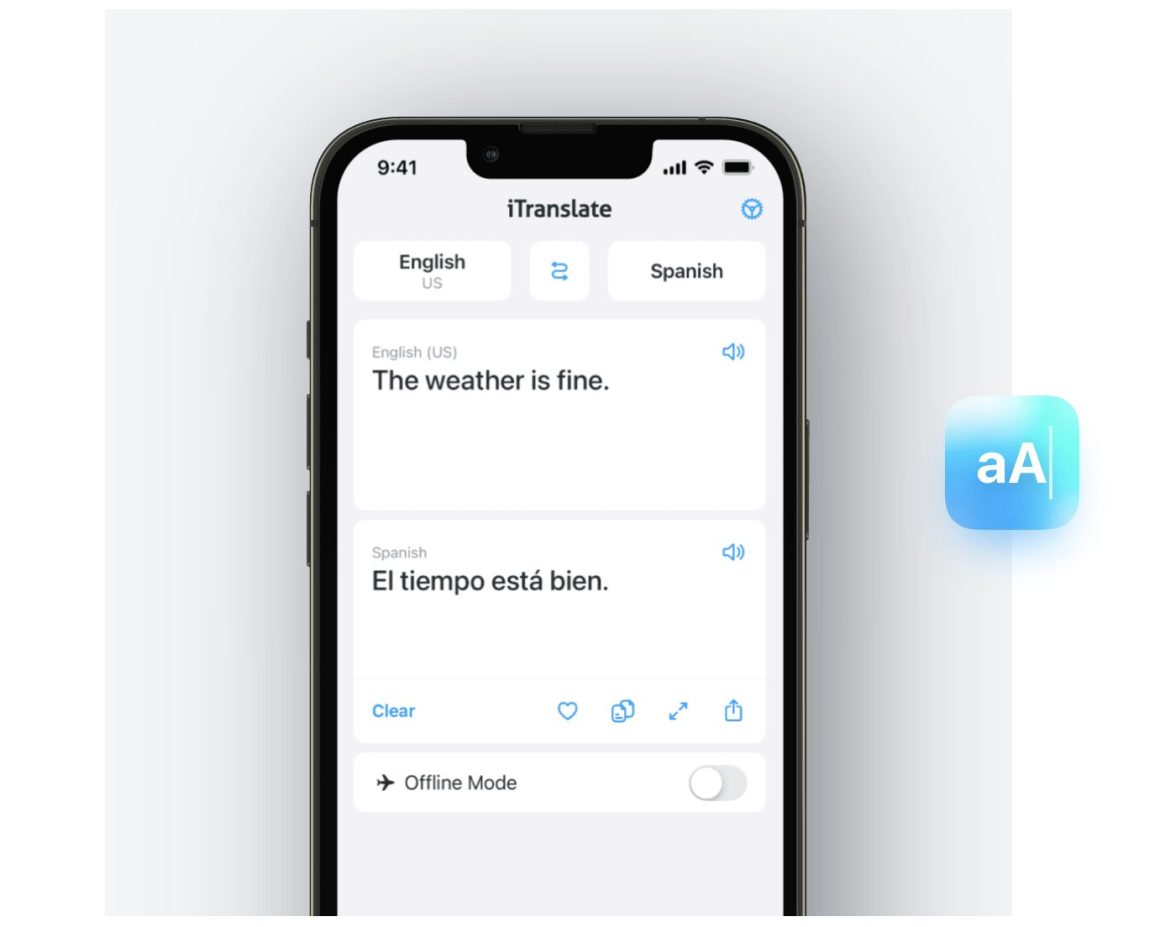
- Price: $5.99/month for Pro
iTranslate is a standout choice for US travelers who need quick, hands-free translation on the go. It excels with voice and AR features that handle speech in over 100 languages, plus smart autocomplete for text input and offline mode in select language packs. Perfect for spontaneous moments like chatting with locals or navigating unfamiliar spots.
Key strengths include natural voice conversations, verb conjugations for real chats, and photo translation for menus or signs, all backed by strong speech recognition and a deep dictionary that sets it apart from basic apps.
It’s ideal for mobile-first users, with broad platform support that shines in dynamic situations. That said, the Pro upgrade comes at a steep price. The free version works well for lighter use, but you’ll likely want Pro for the full experience.
| ⭐️Google Play Rating | 3.4/5.0 (398K ratings) |
| ⭐️App Store Rating | 4.7/5.0 (519K ratings) |
“Very useful app. I thoroughly enjoy using this app. It is very helpful, and it works well. There are occasions when the translator is not able to find the correct word, but, for the most part, it is very effective. The creator has made continuous improvements, and the app is now better than ever! I continue to recommend this app for all of your translation needs!!!” minister_jason – App Store
Reverso Translate
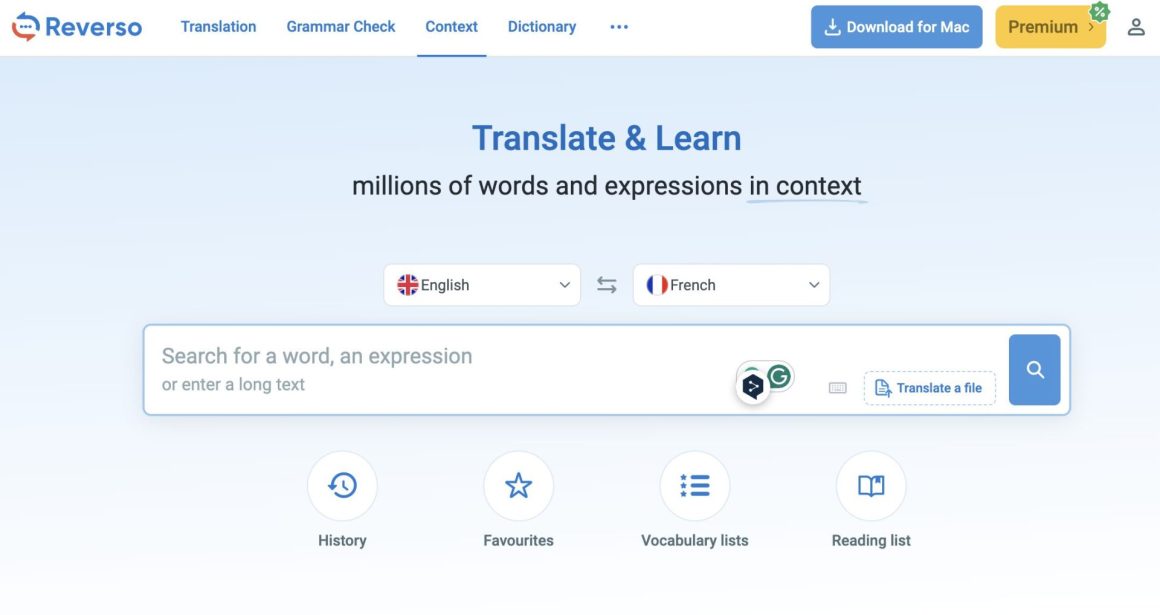
- Price: $4.99/month for Premium
Reverso Translate is a versatile AI-powered translation platform that blends instant text and document translation with language-learning tools, ideal when you need more than just basic phrasebooks abroad.
It’s most notable for contextual translations drawn from real-world sources like books, subtitles, and documents, delivering nuanced, idiomatic results rather than literal word-for-word outputs, which is ideal for grasping local slang or menu items in Europe or Latin America.
Unique features include AI rephrasing, bilingual dictionaries with conjugation and grammar checks, flashcards and quizzes based on your history, and document support with layout preservation, up to 50,000 words per year on paid plans.
What stands out most is seamless software, natural text-to-speech for pronunciation practice, and offline dictionaries, making it a fantastic learning companion for when you’re spending extended time abroad.
| ⭐️Google Play Rating | 4.7/5.0 (278K ratings) |
| ⭐️App Store Rating | 4.7/5.0 (3.6K ratings) |
“I prefer using Reverso for quick translations that I need in the moment over any other translator. I use it mainly for English, French, and Spanish translations. One thing I like about the app is that it gives you multiple options for what the word could mean, since sometimes there isn’t one equivalent. For example, it said “le dommage” in French meant “injury,” or “damage,” plus other meanings to help you better understand the scope of the word.” Emma Balma – Google Play
In 2026, the best language translation strategy for travelers is a mix of high-speed AI for context and specialized offline tools for the deep countryside.
Here are the additional apps and the ChatGPT translation breakdown, formatted exactly like your existing article.
ChatGPT (Translate by Uploading a Photo)
Price: Free; Plus for $20/month
ChatGPT has transformed from a simple chatbot into a travel essential, particularly for its ability to handle “Visual Translation.” By simply snapping a photo of a Thai street sign, a complex Japanese menu, or an obscure Vietnamese notice, you get more than just a literal translation—you get an explanation of tone and cultural context.
It shines because it doesn’t just swap words; it understands the “why” behind the text. If a sign is a local warning or a culturally specific idiomatic expression, ChatGPT explains what it actually means for your day. Its multimodal features also allow you to have back-and-forth “coaching” sessions to improve your pronunciation of local phrases on the fly.
Verified Reviews ⭐️ App Store Rating 4.9/5.0 (2.1M ratings)
⭐️ Google Play Rating 4.7/5.0 (1.5M ratings)
“I used ChatGPT in Japan to translate a hand-written daily specials menu that Google Lens couldn’t read. Not only did it tell me the fish names, but it also explained how they were prepared. It felt like having a local food critic in my pocket.” — Sam R., App Store
Papago
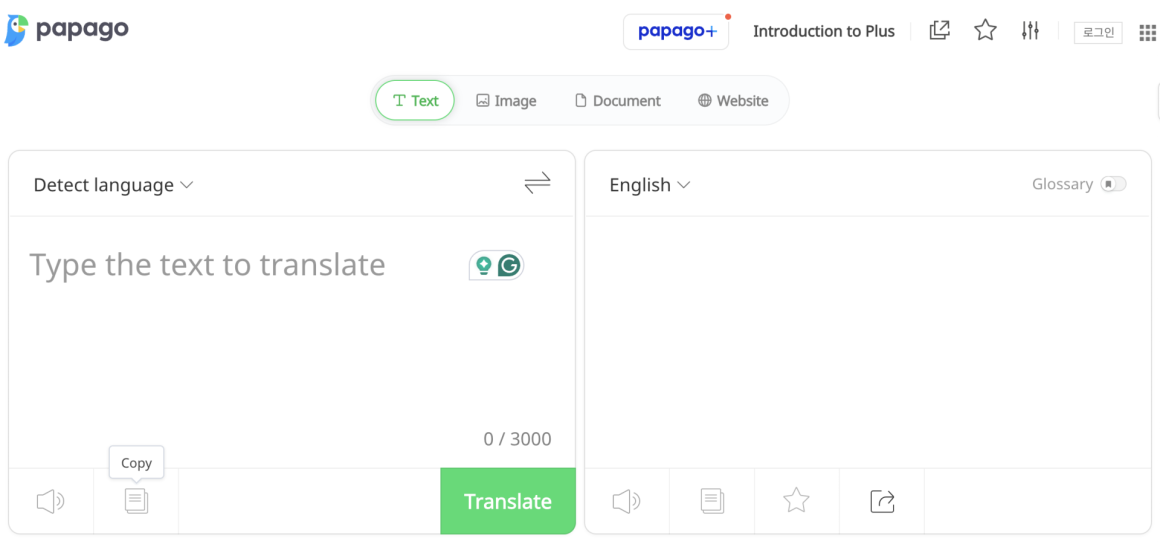
Price: Free
Developed by Naver (the “Google of South Korea”), Papago is widely considered the gold standard for travelers in East Asia. It specifically targets Korean, Japanese, and Chinese, outperforming Western AI by accurately handling complex honorifics and social hierarchies.
Unique features include “Kids Mode” for simple phrases and “Handwriting Recognition,” which is vital for inputting characters you can’t type. Its “Conversation Mode” uses a split-screen interface that makes it easy for two people to talk back-and-forth naturally.
Verified Reviews ⭐️ Google Play Rating 4.7/5.0 (350K ratings)
⭐️ App Store Rating 4.8/5.0 (12K ratings)
“Papago is a lifesaver in Seoul. It understands the polite forms of Korean that Google often misses. If you’re traveling in Asia, this isn’t optional—it’s essential.” — Justin K., Google Play
SayHi
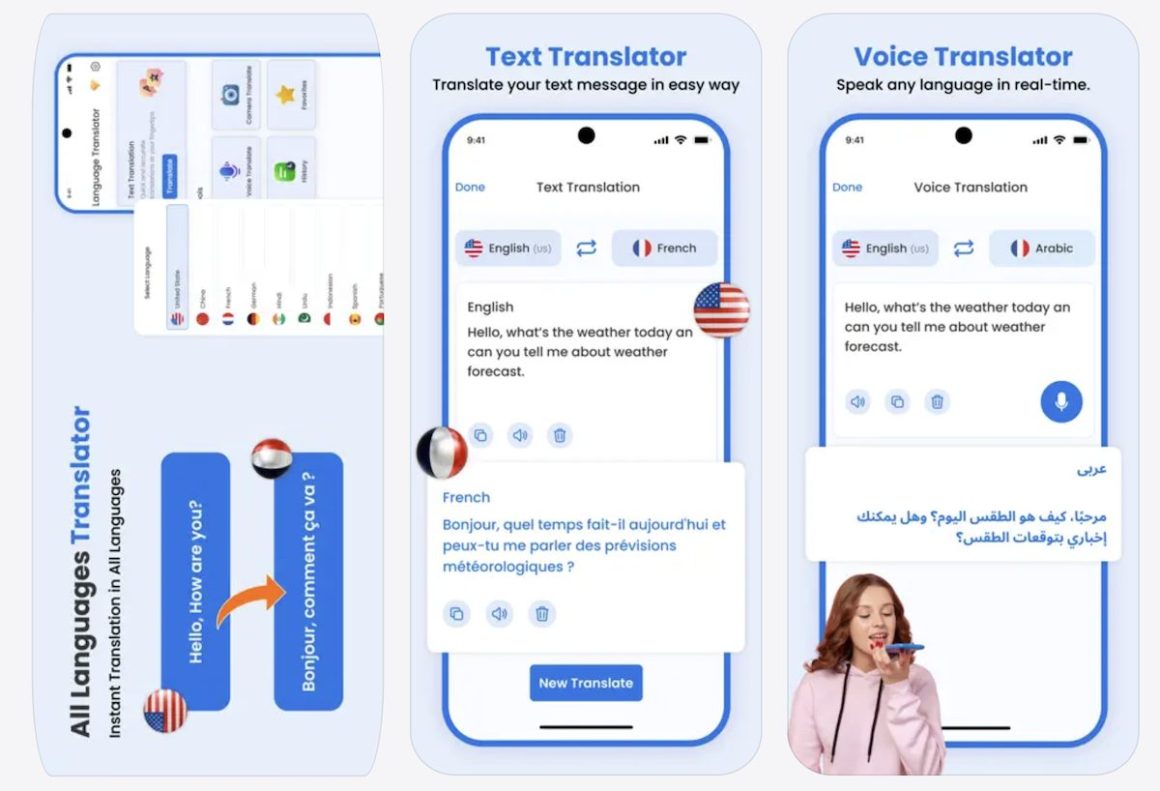
Price: Free
SayHi, owned by Amazon, is a “no-fumble” voice-to-voice specialist. Designed for real-time dialogue, its interface is stripped of clutter, featuring just two large microphone buttons. It’s the perfect tool for the “taxi driver test”—you speak, and the app instantly speaks the translation back in the local dialect.
It supports a massive range of languages and, crucially, allows you to select regional dialects (like Mexican vs. Spanish or Arabic dialects) and adjust the speed of the voice output so you can actually follow along.
Verified Reviews ⭐️ Google Play Rating 4.5/5.0 (100K ratings)
⭐️ App Store Rating 4.6/5.0 (50K ratings)
“The best part about SayHi is the simplicity. When you’re standing in a busy market trying to negotiate, you don’t want menus and buttons. You just want to talk, and it just works.” — Maria L., App Store
Waygo
Price: Free (Limited); $6.99–$11.99 for Unlimited Offline
Waygo is the “Offline Visual Leader,” specifically built for travelers who don’t want to rely on expensive roaming data or spotty Wi-Fi. It specializes in instant, 100% offline camera translation for Chinese, Japanese, and Korean characters.
It’s a lifesaver for navigating subway stations and reading menus in rural areas where data is non-existent. Because it was built from the ground up for character-based languages, its OCR (Optical Character Recognition) is incredibly fast and works without any lag.
Verified Reviews ⭐️ App Store Rating 4.4/5.0 (2K ratings)
⭐️ Google Play Rating 4.1/5.0 (5K ratings)
Check out our comparison of each of our top language translation AI tools and apps recommendations
| App or Tool | Best For |
| Google Translate | Overall usage, because it’s free |
| Translate Now | Frequent travellers using multiple languages |
| Microsoft Translator | Group chat ability, up to 100 at a time |
| DeepL | Superior nuance and quality |
| iTranslate | Great for speech translating, but handles text well too |
| Reverso Translate | Bigger translation jobs, such as documents |
In 2026, the translation landscape has split into two camps: the “AI Explorers” (like those using ChatGPT or Gemini) and the “Precision Travelers” who rely on specialized apps to handle the high-stakes moments of international travel – like medical emergencies, group logistics, or navigating the deep countryside of East Asia.
While your existing list covers the big hitters, adding these specialists will ensure your readers are prepared for any specific region or scenario.
Is Google Translate still the best for offline use?
In 2026, Google Translate is still the “safety net” because of its massive library of 50+ downloadable language packs. However, an alternative Microsoft Translator has caught up significantly, offering higher-quality AI-powered offline packs that handle full sentences much better than the old word-for-word models.
In our opinion, Google Translate reigns supreme as a top pick, especially for vacation-type travel rather than extended business trips. Its extensive support for over 250 languages ensures worldwide coverage, from bustling Tokyo streets to remote Latin American trails, with free offline downloads, camera translation, and real-time conversations. All 100% free with no paywalls or user limits.
Can I trust AI translation for medical or legal situations?
For basic symptoms at a pharmacy, AI is fine. However, for serious medical or legal issues, we recommend TripLingo. It offers a “Live Human Translator” feature (for a fee) that connects you to a real person in seconds—essential when nuance and “getting it right” is a matter of safety.
Do I need a VPN to use translation apps in China?
As of 2026, Google Translate and Microsoft Translator generally work in China without a VPN, but ChatGPT and DeepL often require one. For the most reliable “No-VPN” experience in China, use Papago or the local Baidu Translate app.
What is the best way to translate a long menu with fancy fonts?
Standard OCR (Optical Character Recognition) often fails on “fancy” or handwritten scripts. The Samsung Galaxy “Circle to Search” feature and Google Lens are currently the best at this because they use “contextual guessing” to figure out what a stylized character likely says based on the surrounding items.
How much data do translation apps actually use?
Voice translation is the “hungriest” feature. A 10-minute conversation can use around 5-10MB of data. If you are on a tight data plan, always download the Offline Packs while on hotel Wi-Fi. Camera translation uses very little data once the initial language model is on your phone.