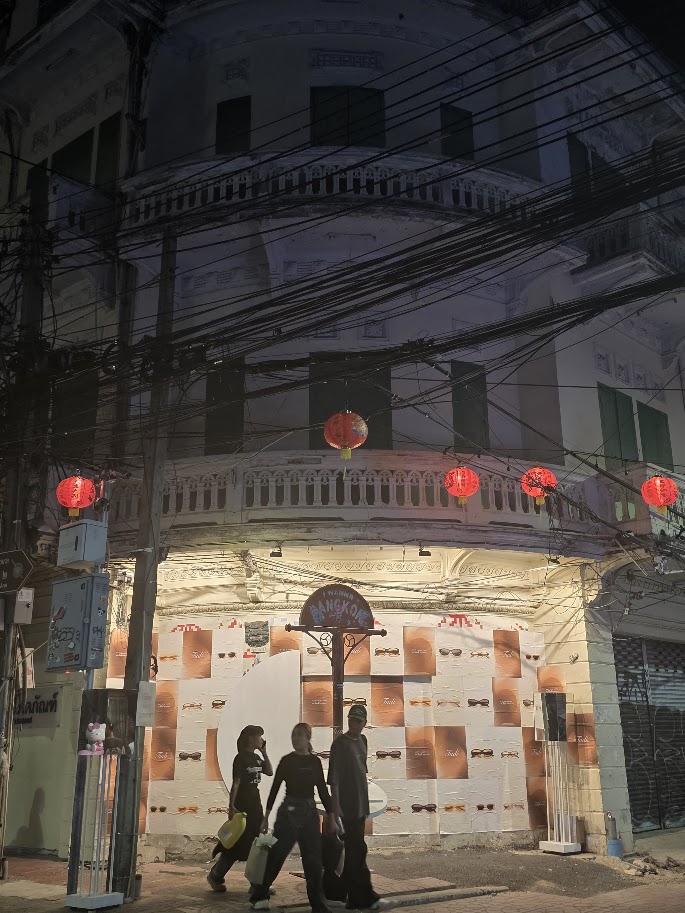

We know the feeling. Late at night, coming back home or to a hotel through an unknown neighborhood in Bangkok, Paris, New York or somewhere else.
And there’s a reason every solo traveler I know has a small mental list of safety routines — share the cab license plate, drop a pin to a friend before walking back to the hotel, check in once you’re inside. Most of these were built ad-hoc over years of trips and never quite get streamlined. A personal safety app, in theory, replaces the list with a single button. The question is whether the apps in this category are reliable enough to actually trust when you need them.
bSafe is one of the longest-running answers to that question. Originally launched in Norway in 2011 under the parent company Bipper, it’s been backed by Hollywood investors (Jada Pinkett Smith was an early backer), used by hundreds of thousands of Norwegian women within months of launch, and has since expanded to 125+ countries.
Our Locals Insider review covers how bSafe app works, what its free and premium tiers actually deliver, current pricing, ratings, and the strongest alternative if you decide it’s not the right fit.
Introducing bSafe
bSafe is a personal safety app designed to deter, document, and respond to potentially violent situations — at home, walking back from a night out, running in unfamiliar parks, or anywhere a panic button might be useful. When you trigger the SOS, your phone alarms loudly, starts recording audio and video, and alerts the contacts (“Guardians”) in your safety network with your real-time location.
The app was founded in 2008 by Norwegian entrepreneur Silje Vallestad through her company Bipper, and the bSafe app itself launched in 2011. Vallestad was named Norway’s Female Entrepreneur of the Year in 2011 and used her prize money to develop bSafe. In 2019, the app was relaunched under new ownership and leadership — Rich Larsen and his daughter Charlen, who rebuilt the platform with added features including voice-activated SOS, live streaming, and automatic recording.
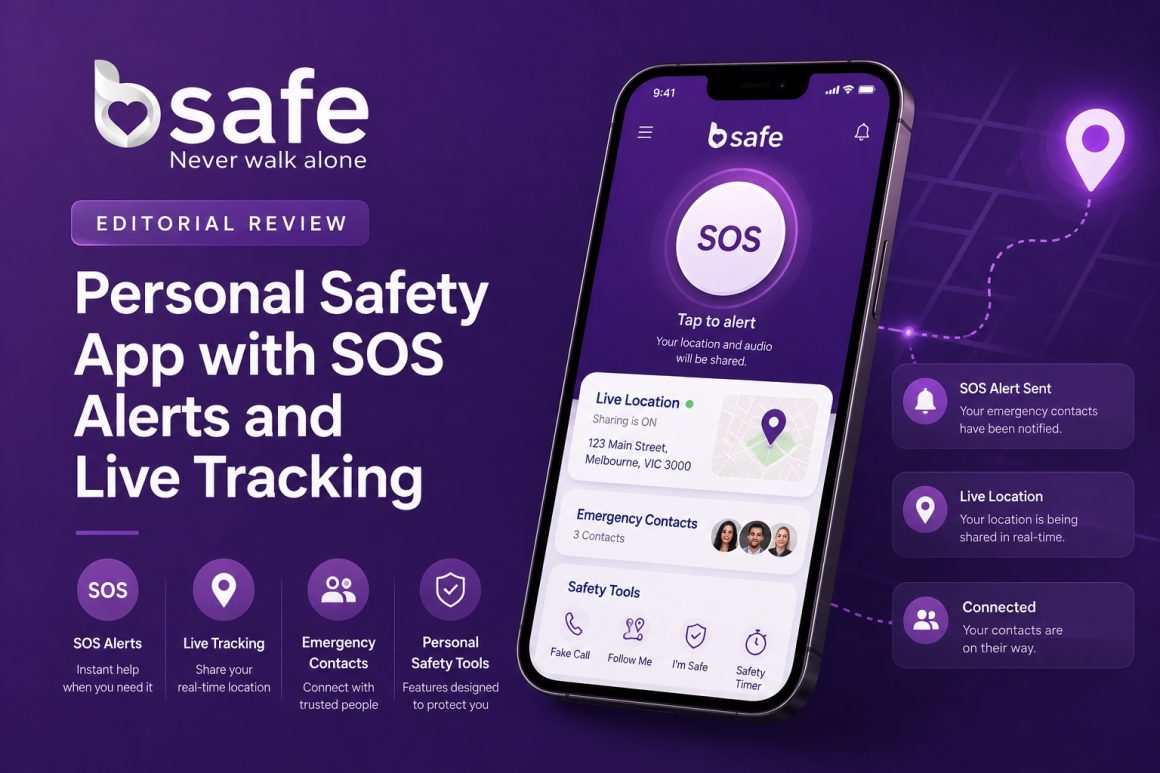
The current iOS App Store listing still attributes the app to Bipper USA, Inc.
How bSafe Works
When you download bSafe and sign up, it tracks your location through GPS so your Guardians can find you if something goes wrong. The core SOS flow runs in three steps:
- SOS activation: Trigger the alarm by tapping the SOS button or — on premium — using a voice command. The cell phone can be in your pocket, purse, or jacket.
- Real-time monitoring: Your designated Guardians (family, friends, emergency contacts) are notified instantly and can see your location, hear your audio, and view live video.
- Rapid response: Your Guardians can call emergency services on your behalf with your precise coordinates.
When the SOS fires, the phone emits a loud, siren-like alarm — partly as a documentation tool, partly as a deterrent. Audio and video recording starts automatically and the file is sent to your Guardians, so the evidence survives even if your phone is destroyed.
bSafe also includes a fake call feature that’s useful in lower-stakes situations: pull out your phone, trigger a “ringing” incoming call, and use it as an excuse to step away from someone making you uncomfortable. Small feature, surprisingly handy.
One important note: bSafe does not call emergency services directly on your behalf in most regions. The SOS goes to your Guardians, who then make the 911/112/999 call. This is different from how some competing apps work, and worth understanding before you set it up — your Guardians need to know what they’re being signed up for.
Pricing & Plans: How Much Does bSafe Cost?
bSafe runs a freemium model. The free version covers basic SOS triggering and GPS tracking. Premium unlocks the features most users actually want:
- Voice-activated SOS (hands-free)
- Live streaming when the alarm is activated
- Unlimited Guardian network (the free tier caps the number of contacts)
- Enhanced audio and video recording
The premium pricing tiers are:
- Weekly: $0.49
- Monthly: $4.99
- Annually: $49.99
Billing runs through the App Store or Google Play. The annual plan works out to about $4.17/month — the obvious choice if you plan to keep the app long-term, though the weekly option is unusually flexible if you only want premium coverage for a specific trip or event.
bSafe Ratings & Reviews: Is It Legit?
The app’s ratings tell a mixed but generally positive story:
- App Store: 3.4/5.0 (200+ reviews)
- Google Play: 2.7/5.0 (8,900+ reviews)
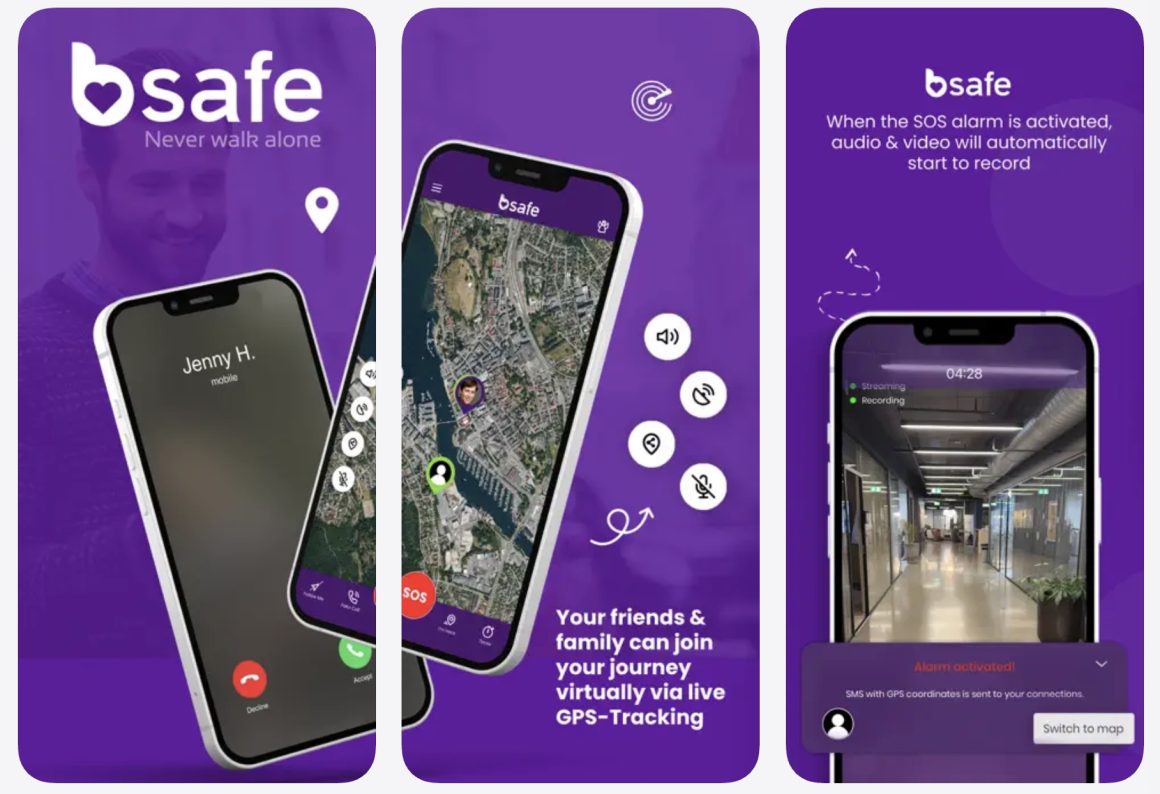
Reviewers consistently praise the concept and the feature set — voice activation, live streaming, and the automatic recording are genuinely useful, and the app’s UI is clean and approachable. The fake call feature draws particularly positive feedback for everyday usefulness.
The criticisms are real and worth knowing. The most common complaints involve glitches after updates, occasional GPS lag, and friction around premium billing. The Google Play rating in particular reflects user frustration with technical reliability — a problem in any app, but a serious one in a safety app where a failure could matter. The mitigation: always run bSafe on the latest version of iOS or Android, and test the SOS with a Guardian who knows it’s a drill before you actually rely on it. Setting it up and never confirming it works is the worst-case scenario.
One Google Play reviewer, Tord Dunnum, wrote: “Moving from Norway to San Francisco comes with its challenges, and one of the biggest is staying safe. Honestly, this app makes it so much easier. It’s simple and very easy to use. I even got the watch to make the experience even more seamless when I’m on the go.”
Insider tip: When you set up your Guardian network, don’t just add people — actually call them and explain what they’ll see when an alert comes through. A Guardian who receives an unexplained SOS with live video may freeze for the first few seconds trying to understand what’s happening. A two-minute explanation upfront turns those seconds into immediate action.
Alternatives to bSafe: Try Noonlight
If bSafe’s reliability ratings give you pause, Noonlight (formerly SafeTrek) is the strongest direct alternative. Noonlight’s biggest functional advantage is that it dispatches verified emergency responders directly — when you trigger the alarm, a Noonlight operator is alerted, attempts to verify with you, and contacts 911 on your behalf with your location if confirmation fails. That’s a meaningfully different architecture than bSafe’s Guardian-network model.
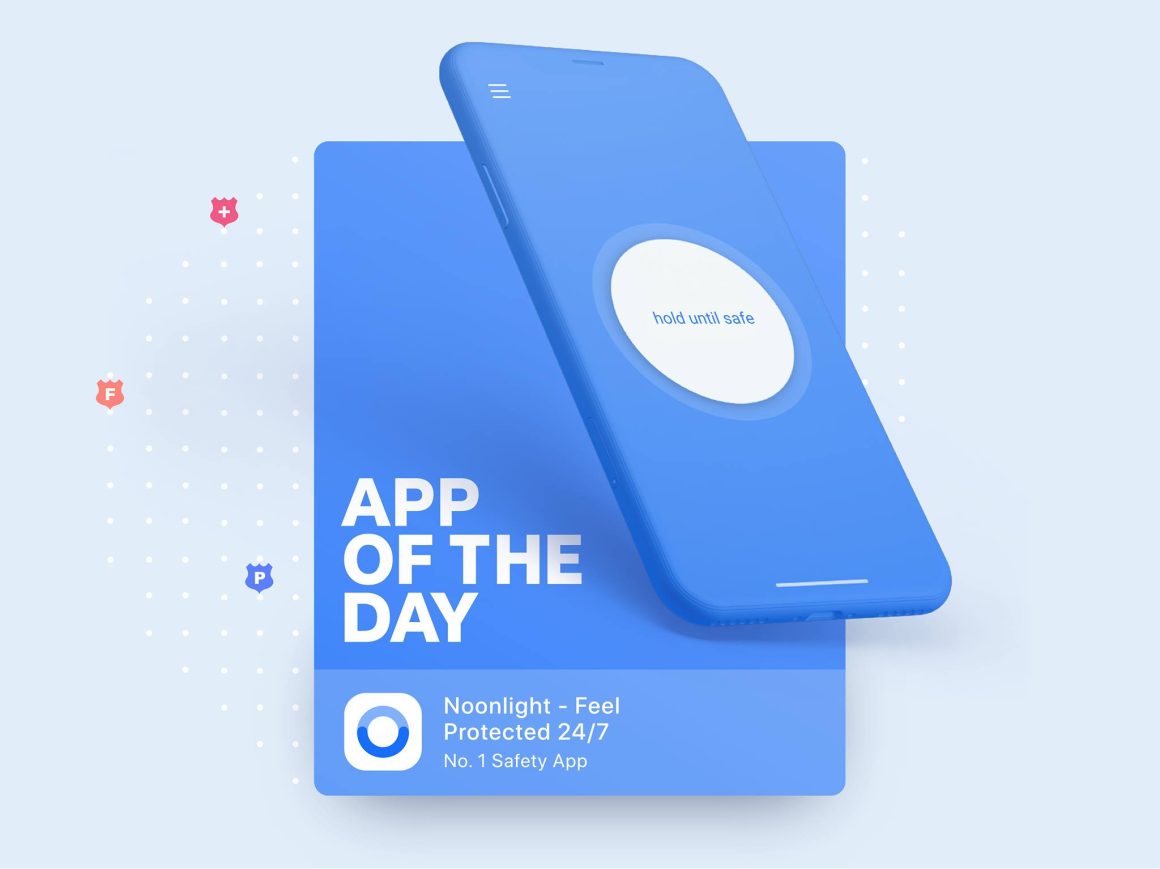
Noonlight’s free tier is also more generous than bSafe’s, including a timeline and safety network where you can leave notes and descriptions of your movements. It integrates with apps like Uber, Lyft, and Tinder — meaning you can trigger a safety check directly from your ride or date. Premium pricing starts at $4.99/month, similar to bSafe, though Noonlight doesn’t offer a weekly option.
For broader travel safety preparation, our reviews of Google Maps alternatives for navigation cover the apps and routing tools that work well alongside a personal safety app. Carrying both Noonlight (for verified emergency response) and bSafe (for Guardian-network alerts and evidence recording) isn’t redundant — they handle different scenarios.