


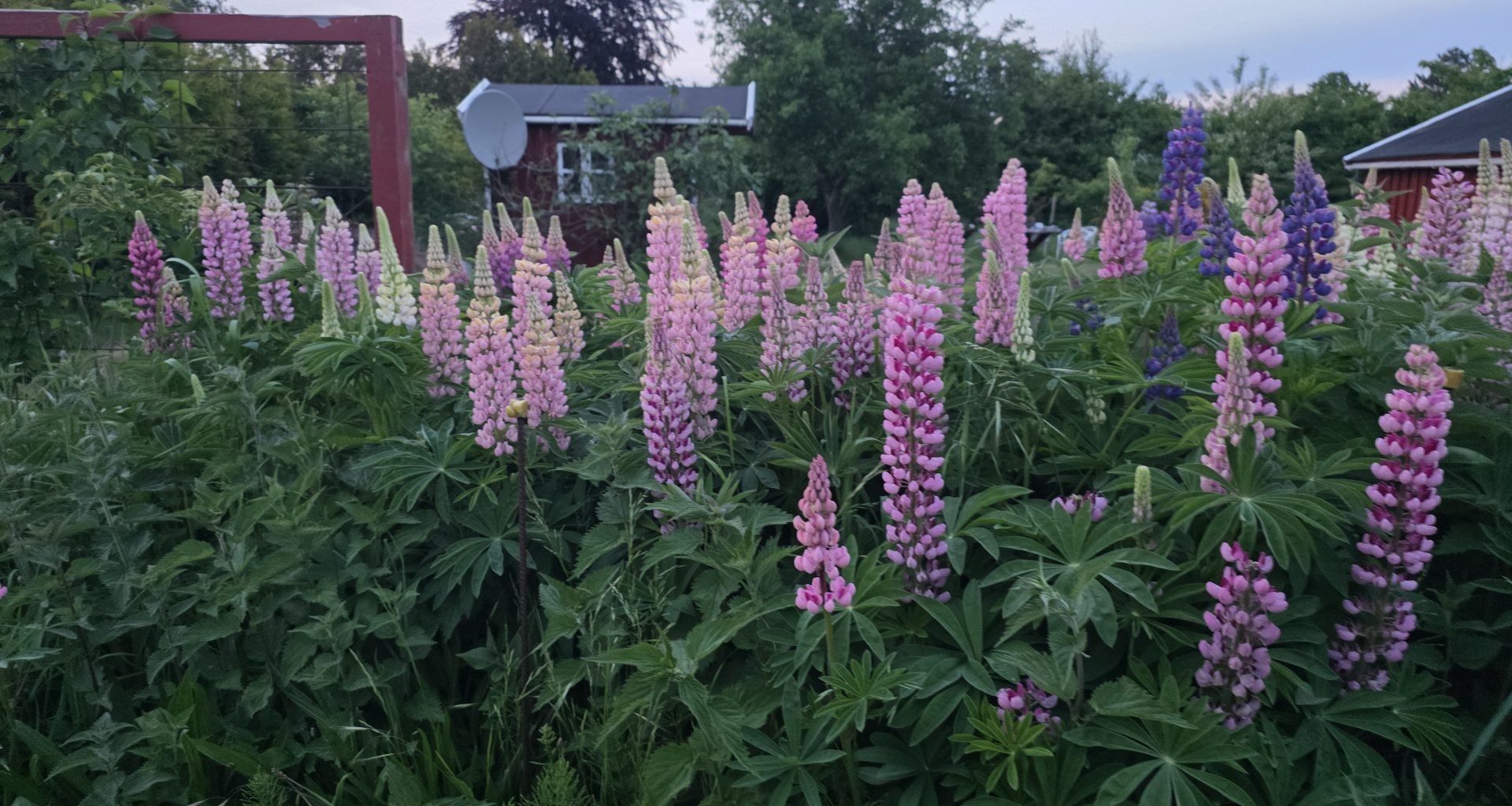
There’s a moment that happens to everyone who’s ever walked through a botanical garden, a national park, or a friend’s well-kept backyard — you stop in front of a plant, lean in to look at the leaves, and realize you have absolutely no idea what it is. You take a photo on your phone, intending to look it up later, and that’s where the process always used to die. The image sits in your camera roll for weeks. You forget. The plant remains anonymous.
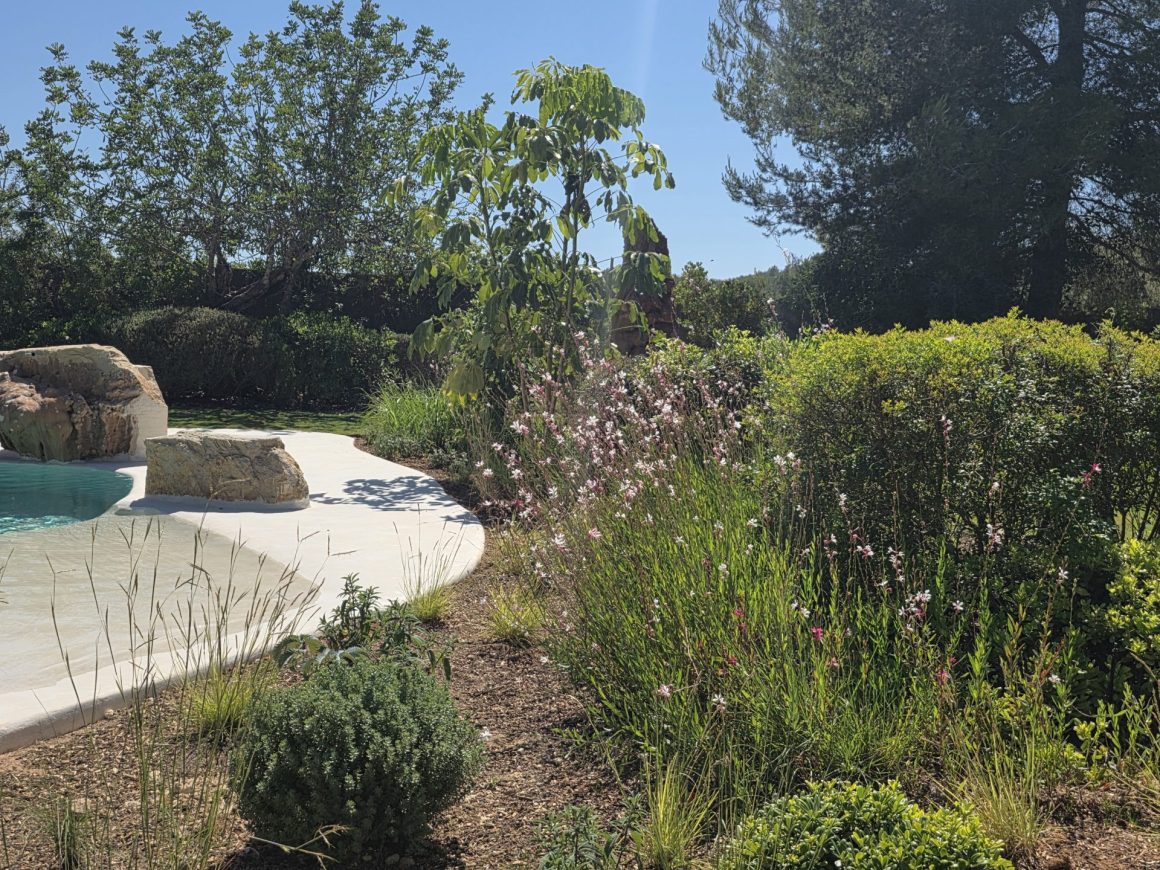
We’ve been in exactly that situation more times than we can count — staying in a beautiful villa with a garden full of unfamiliar plants we’d genuinely have liked to grow ourselves, with no easy way to find out what any of them were. Same story when we hike or wander around in different climates entirely — Mauritius, Taiwan, the Faroe Islands — surrounded by species we’re seeing for the first time and have no frame of reference for.
AI-powered plant identification has quietly become one of those tools that genuinely changes how you experience the outdoors. The category exploded between 2017 and 2026 — every plant ID app now uses convolutional neural networks trained on millions of labeled images, with the best ones approaching 98% accuracy on common species.
The use cases have expanded with the tech: gardeners diagnose diseased leaves instead of guessing, hikers identify wildflowers and trees on the trail, foragers double-check edible mushrooms before they consider cooking anything (with a healthy reminder to verify with a human expert for fungi specifically), and climate-conscious gardeners increasingly use these apps to track which plants are thriving in their newly-shifted USDA hardiness zones as warming reshapes regional botany.
PictureThis is the most-downloaded app in this category and the one Locals Insider’s editorial team uses most often — for both garden curiosity and identifying interesting plants we spot on the road. This review covers how it works, what the $29.99/year Premium tier actually costs (and the subscription pitfalls to avoid), how it compares to free Google Lens, and whether it’s worth paying for at all.
What is PictureThis
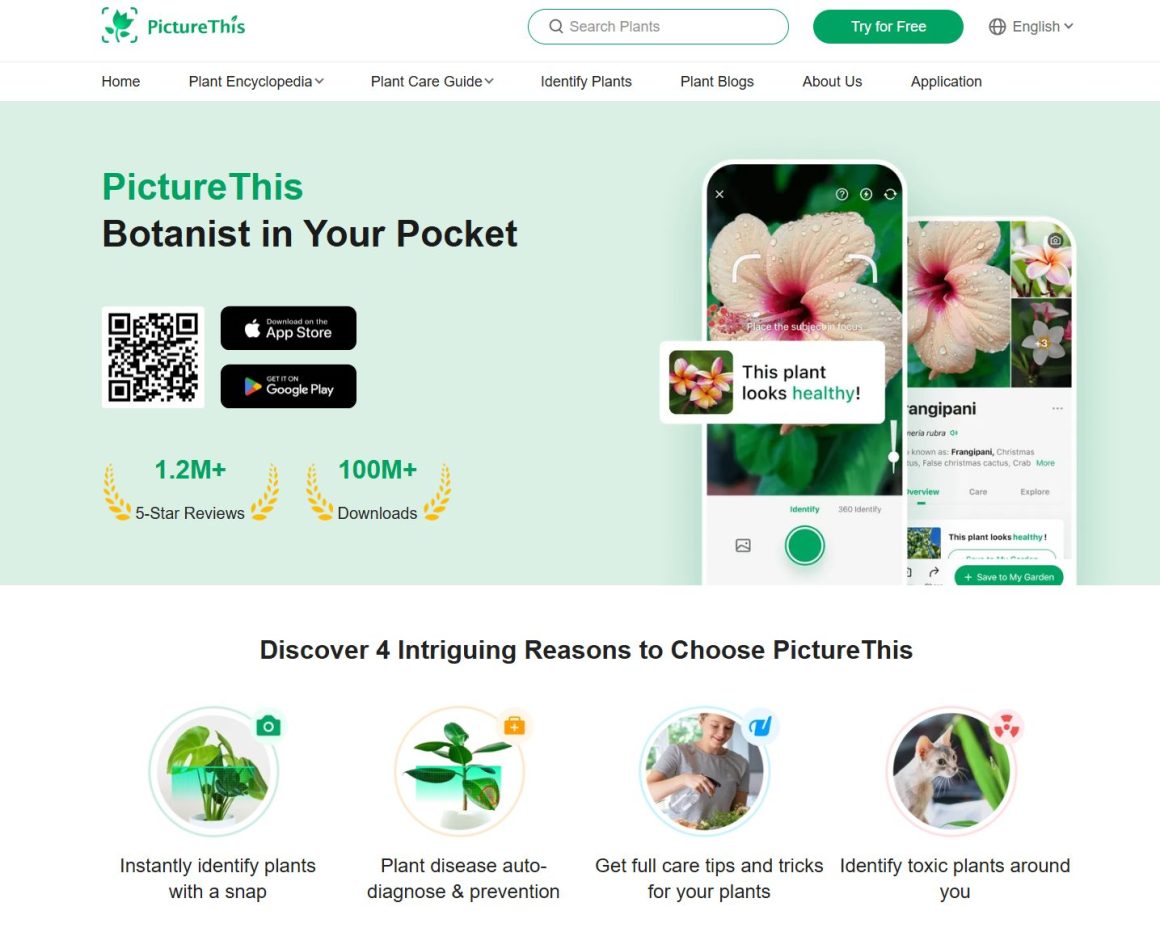
PictureThis has been downloaded over 100 million times and has received more than 1.2 million five-star reviews. For many, it’s the go-to plant identification app, thanks to its accuracy and huge database of 400,000+ plant species. The app went live in 2017 and is operated by Glority Global Group, the company also behind other popular gardening apps like Plant Parent, GrowIt: Garden Planner, and Picture Mushroom.
How PictureThis App Works
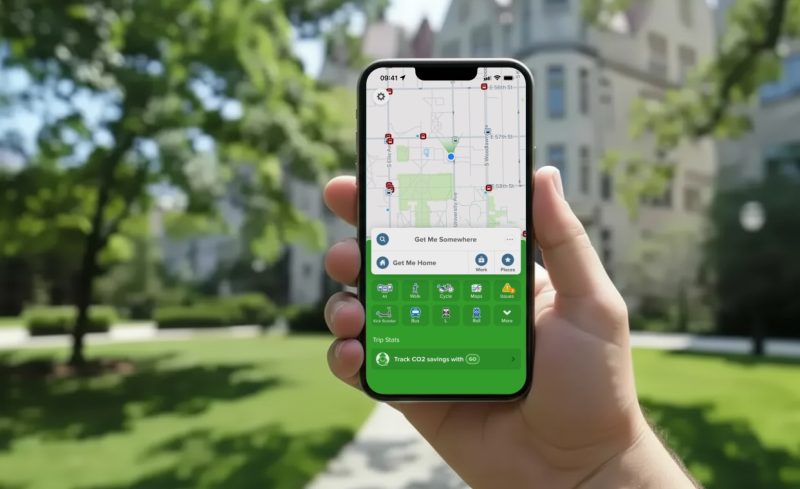
PictureThis is an AI-powered visual identifier. Snap a photo of a plant, tree, or flower, and the app’s image recognition system (a convolutional neural network trained on a large labeled dataset) analyzes the picture and returns an identification within seconds. Here’s the simplified process:
- You take a photo of a plant, flower, tree, leaf, or even bark.
- The app extracts features from the image — leaf shape, venation patterns, flower geometry, color distribution, bark texture, growth habit.
- The AI compares these features against the 400,000+ species in PictureThis’s database.
- A match (or top candidates) is returned, along with care information, native range, and toxicity warnings.
The app is genuinely useful for several specific situations:
- Plant disease diagnosis: Take a photo of a sick leaf and PictureThis identifies the disease (powdery mildew, leaf spot, root rot, aphid damage) and recommends treatment.
- Care guidance for plants you already own: Identify a plant, then save it to your garden in the app and receive watering, light, and fertilization reminders.
- Toxic plant warnings: Particularly useful for households with kids or pets — the app flags plants that are dangerous to humans, dogs, or cats.
- Educational discovery on hikes: Identify wildflowers, native species, and trees you encounter on trails, which builds your nature literacy over time.
- Foraging support: Useful as a starting point for edible plant identification, though the app itself reminds users to verify any wild foraging finds with a local expert before consuming anything (this is especially important for mushrooms — fungi identification is genuinely dangerous to get wrong).
The app’s other genuinely useful feature is plant disease diagnosis with treatment recommendations. Last spring, our apple trees in Denmark ended up draped in fine spider webs — a sight that’s alarming the first time you see it, and not obvious how to fix. We photographed an affected branch, PictureThis identified it as a spider mite infestation, and the app’s recommended treatment (a horticultural oil spray combined with stronger pruning to improve airflow) actually saved the trees.
How to Use PictureThis in 5 Steps
Here’s the practical flow with a real-world scenario. You’re hiking the Precipice Trail in Acadia National Park (one of the trails featured in our most scenic day hikes article below), and you keep noticing a small white flower growing among the granite outcroppings. You want to know what it is, and ideally remember it next time.
- Open PictureThis and tap the camera icon. The app launches the camera in identification mode.
- Frame the plant clearly. Get close enough that the leaf or flower fills most of the frame, with the plant in good light. Avoid backlit shots — sun behind the plant produces silhouettes that confuse the AI.
- Take the photo. PictureThis processes it in 2-3 seconds and returns a top match plus confidence percentage. For plants with multiple possible matches, you’ll see ranked alternatives.
- Read the species profile. You’ll get the scientific name, common name, native range, growing conditions, and toxicity status. The white flower might turn out to be mountain sandwort (Minuartia groenlandica), an alpine specialist that grows in the granite cracks of Acadia and similar exposed coastal terrain.
- Save it to your collection. Tap the heart icon to save the identification — you’ll build a personal library of plants you’ve encountered, useful for planning future hikes or just remembering what you saw.
Total time per identification: about 5-10 seconds. The skill compounds — after a few weeks of using PictureThis on walks, you start recognizing common plants without needing the app, and you start asking better questions about the ones you don’t.
PictureThis Pricing: Is It Free to Use?
PictureThis is free to download but the free tier is genuinely limited — you typically get only 1-2 free identifications before the app prompts you to subscribe. The paid tiers (verified 2026 pricing):
- Annual subscription: $29.99/year (most common pricing) — some regions and promotional periods see this as $39.99/year
- Weekly subscription: Around $2-3/week (works out to $100+/year if you don’t cancel — avoid this tier unless you’re using the app for a single short trip)
- Lifetime purchase: Occasionally offered as a one-time payment, but availability varies
Critical warning about signup: PictureThis has generated significant user complaints about its onboarding flow. When you first open the app, an aggressive paywall pops up offering a 7-day free trial that auto-converts to a paid annual subscription if you don’t cancel. To use the free version without subscribing, look for the small X or “Cancel” in the corner of the pop-up and tap it. If you tap through to “Start Free Trial,” set a calendar reminder for day 6 to cancel via your Apple ID or Google Play subscription settings before billing kicks in.
The Premium tier unlocks:
- Unlimited plant identifications (the biggest practical difference)
- Disease diagnosis and treatment recommendations
- Detailed care guides with personalized reminders
- 24/7 chat access to plant experts for verification
- Ad-free experience
For occasional plant identification, the free tier (combined with closing the paywall pop-up correctly) is fine. For serious gardeners managing a real collection, or for frequent hikers who want unlimited IDs on the trail, the $29.99/year Premium tier earns its keep.
PictureThis Ratings & Reviews: Is It Worth?
Strong ratings on both platforms:
- App Store: 4.8/5.0 (1,000,000+ reviews)
- Google Play: 4.58/5.0 (750,000+ reviews)
Reviewers consistently praise the accuracy of identifications (especially for common species), the depth of plant care information, and the disease diagnosis feature. The Premium tier earns its strongest endorsements from serious gardeners — multiple reviewers note that paying $29.99/year is cheaper than repeatedly replacing dead plants killed by misdiagnosed care needs.
The criticism is concentrated almost entirely on the subscription experience: aggressive paywalls on first launch, confusing trial-to-paid conversion, and difficulty cancelling. None of these are deal-breakers if you know what to expect (close the pop-up with the X, set a calendar reminder if you start a trial), but they’re worth knowing about.
One Google Play reviewer, David Roan, captured the educational value well: “This app is absolutely superb. One of the best I have on my Android phone. I’m not a gardener, but I do like my garden. PictureThis allows me to more or less instantly identify what is in my garden, whether by design or accident. An invaluable education tool, it has taught me loads.”
Insider tip: Take multiple photos from different angles before tapping identify — leaves from above, flowers head-on, the overall plant silhouette, and any distinctive features like seedpods or bark. PictureThis lets you tap through multiple photos in one identification session, and the more visual data the AI has, the more accurate the match. This is especially useful for plants in the same genus where the leaves look almost identical — the flower or fruit is often what distinguishes one species from another.
Alternatives to PictureThis: Google Lens, PlantNet, iNaturalist
The category has matured significantly, and several free alternatives are genuinely competitive.
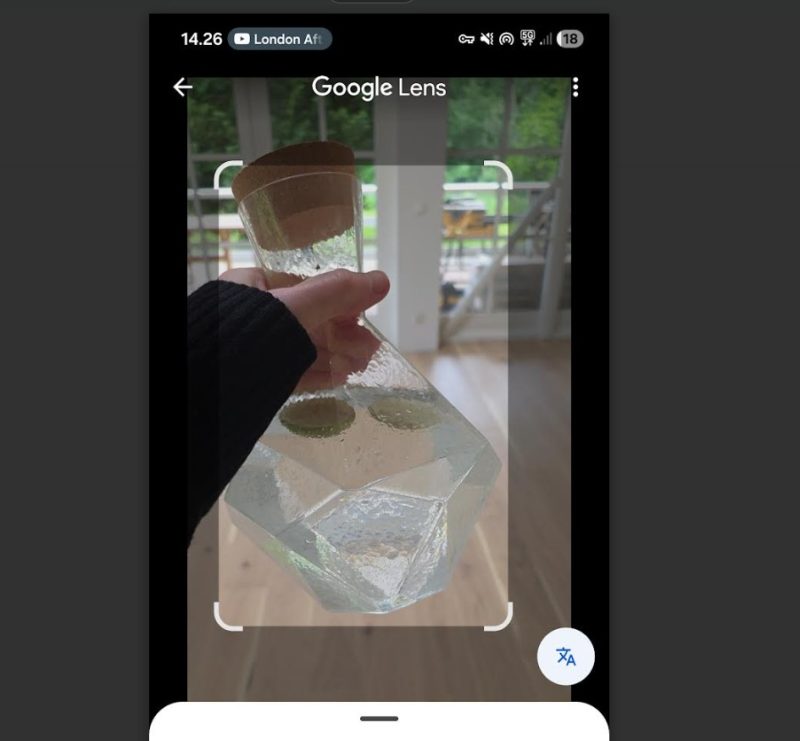
Google Lens is the obvious free comparison — covered in detail in our Google Lens review — and it uses the same convolutional neural network approach to identify plants alongside everything else (landmarks, products, text, art). The advantage: it’s completely free and lives inside the Google app or Google Photos. The disadvantage: Lens’s plant database isn’t as comprehensive or specialized as PictureThis’s, so for obscure species or detailed disease diagnosis, PictureThis wins. For common houseplants, garden plants, and most identifiable outdoor species, Google Lens is honestly enough.
PlantNet is a free, open-source plant identification app developed by a consortium of French research institutions (Cirad, INRA, INRIA, IRD, Tela Botanica). It’s particularly strong for European and Mediterranean flora, has no subscription or paywall, and crowdsources its database from a global community of contributors. For serious botanical interest rather than home gardening, PlantNet is often the better choice.
iNaturalist is the citizen-science platform (developed by the California Academy of Sciences and National Geographic Society) where your plant identifications feed into a global biodiversity database. It identifies plants, animals, insects, and fungi, and your observations contribute to actual scientific research. Free, with no premium tier — and the community verification feature means a human expert often confirms your AI-suggested ID.
Bottom line: Choose PictureThis if you want the most polished interface, the deepest disease diagnosis tools, and the broadest species database, and you’re willing to pay $29.99/year. Choose Google Lens if you want free, fast, general-purpose visual search that includes plants. Choose PlantNet or iNaturalist if you’re serious about botany or citizen science and want zero paywall.
For broader travel context, our roundup of the most scenic day hikes in U.S. national parks and our guide to Italy’s best natural parks and top nature activities are exactly the kind of destinations where a plant ID app earns its keep — both feature trails and landscapes packed with species worth knowing.
PictureThis Promotions, Free Plans & Discount Offers
PictureThis app runs frequent promotional pricing, and a few legitimate routes to lower-cost or free access are worth knowing:
- 7-day free trial — available to all new Premium subscribers. Use it for one specific trip or gardening project, then cancel via your Apple ID or Google Play subscription settings before day 7 to avoid the $29.99 charge. Set a calendar reminder.
- Free tier is genuinely usable — if you only need to identify a plant occasionally, the free version (with the paywall pop-up closed via the X) gives you a small number of identifications without payment. For casual users, this is honestly enough.
- Lifetime purchase option — occasionally available, typically priced around $79.99 as a one-time payment. If you’d use the app for 3+ years, the lifetime tier pays off versus the annual subscription. Watch for promotional periods.
- Regional pricing variations — PictureThis Premium pricing varies by region, sometimes by 30-40%. Worth checking what your local App Store or Google Play listing shows before subscribing.
- Family / household sharing — Premium subscriptions on iOS support Family Sharing, meaning one $29.99/year subscription can cover multiple family members’ devices. Useful if you live with another gardener or hiker.
The honest comparison: at $29.99/year, PictureThis Premium is reasonable if you’ll use it regularly. Against free Google Lens, PlantNet, and iNaturalist, the value calculation depends on whether you specifically need the deeper disease diagnosis tools and expert chat support. For most casual users, free alternatives cover the basics.